Mic Level vs Line Level: Live Sound Signals Explained
8 min read · Updated August 6, 2026 · musicians, bands, live sound beginners, audio technicians, FOH engineers, production managers
Understand mic, instrument, and line level, why mismatches cause noise or distortion, and how to document signal levels in a stage plot and input list.
TL;DR — Mic level is the low-voltage signal produced by a microphone; line level is the stronger operating level used between mixers, processors, playback interfaces, and other audio equipment. Instrument level sits in a source-dependent range and may also need impedance matching. A preamp raises mic level, while a pad or attenuator reduces a signal that is too strong. Document the source output and receiving input—not just the connector.
Table of contents
- The difference in one table
- Why signal level matters
- Mic, instrument, and line level
- How to connect common stage sources
- How to document level in a rider
- FAQ
The difference in one table
Signal level describes the approximate electrical strength an output produces and an input is designed to accept. It is separate from connector shape and from whether a connection is balanced.
| Signal type | Common sources | Intended receiving path | Typical stage consideration |
|---|---|---|---|
| Mic level | Dynamic and condenser microphones, conventional DI outputs | Microphone preamp | Low signal needs preamplification; some sources need 48V |
| Instrument level | Passive guitar or bass pickups, some active instruments | High-impedance instrument input or suitable DI | Level and impedance vary by source |
| Consumer line level | Media players and some consumer devices | Compatible line input or suitable interface | Often unbalanced; connector may carry stereo |
| Professional line level | Mixers, playback interfaces, processors, wireless receivers | Compatible professional line input | Confirm nominal level, headroom, and output setting |
These are operating categories, not one fixed voltage for every device. Microphone output changes with the source and microphone sensitivity. Instrument outputs vary with pickups and electronics. Professional and consumer line standards also differ. Use the actual equipment documentation when compatibility matters.
Why signal level matters
The destination expects a useful signal range. A mismatch can produce two familiar problems.
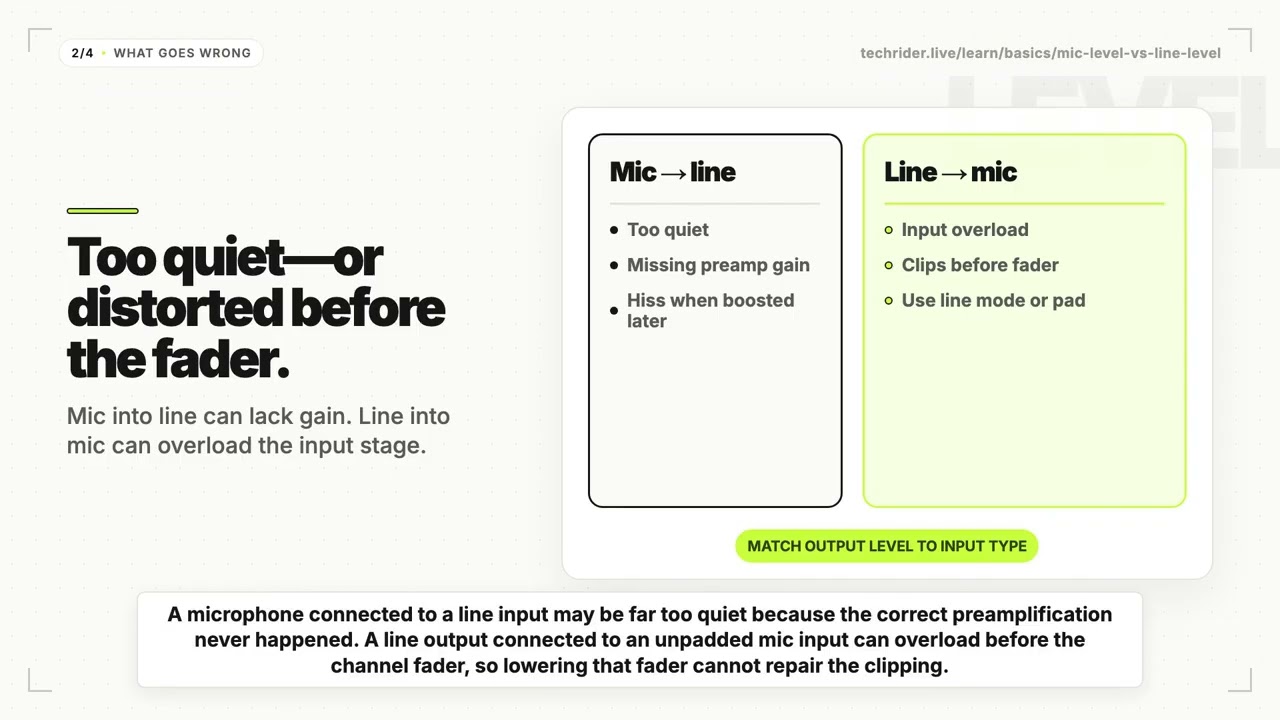
Mic level into a line input may be too quiet. Turning later controls up far enough can also raise hiss because the required microphone preamplification never happened at the correct input stage.
Line level into a mic input may overload. The result can be harsh distortion even when the channel fader is low, because overload occurs before the fader. Select a line input, engage the correct input mode or pad, reduce the source output, or use an appropriate attenuator as the equipment requires.
The fact that a cable fits does not prove that the levels match. XLR can carry mic level, line level, digital audio, or another defined signal. A 1/4-inch TRS connector may carry balanced mono line level, unbalanced stereo headphones, or an insert send and return.
Read Balanced vs Unbalanced Audio for the separate question of noise rejection and conductor arrangement.
Mic, instrument, and line level
Mic level needs a preamp
A microphone normally connects to a microphone preamp in a console, stage rack, audio interface, or standalone device. The preamp adds gain so the low microphone signal can operate through the rest of the system.
Condenser microphones and some active DI boxes may also require 48V phantom power. Phantom power and preamp gain are different functions: enabling 48V does not turn a line input into a microphone preamp, and not every mic-level source needs phantom power.
Instrument level also involves impedance
A passive electric guitar or bass pickup is not simply a quieter line output. It normally expects a high-impedance input. Connecting it to an unsuitable input can reduce level and change tone.
A suitable DI box can accept the instrument signal and provide a balanced, low-impedance mic-level output for the stage system. Some amplifiers, pedalboards, acoustic preamps, and modelers already provide a balanced output, so trace the real device rather than adding a DI by habit.
Line level connects equipment stages
Line level is common between mixers, processors, interfaces, playback systems, wireless receivers, powered speakers, and recorders. Professional equipment commonly uses balanced connections; consumer sources commonly use unbalanced connections, but level and balancing remain separate properties.
Do not assume every keyboard, wireless receiver, or playback device has the same output. Many devices have switchable levels or several output types. Record the output actually used in the show.
How to connect common stage sources
Start at the source output and finish at the receiving input:
- identify the exact source device and output;
- confirm mic, instrument, line, headphone, or digital signal type;
- confirm connector, balanced or unbalanced format, and mono or stereo channels;
- choose the correct receiving input or interface;
- set input mode, pad, and gain during line check;
- label the final path consistently on the plot and input list.
| Source | Output to document | Suitable path to evaluate | Common mistake |
|---|---|---|---|
| Vocal microphone | Balanced XLR, mic level | Stage-box mic input and preamp | Connecting to line-only input |
| Passive bass | 1/4-inch, instrument level | High-impedance DI, then mic input | Treating it as a generic line source |
| Keyboard | L/mono and R outputs; actual level | Line inputs or suitable DI/interface | Requesting stereo with one channel |
| Playback interface | Balanced outputs; actual line setting | Compatible line inputs | Sending line level into an unpadded mic input |
| Wireless receiver | Selected output connector and level | Matching mic or line input | Changing receiver output mode without telling FOH |
| DJ mixer | Balanced or unbalanced line outputs | Compatible line inputs or isolation interface | Assuming XLR means mic level |
An adapter changes connector shape; it does not necessarily add gain, attenuation, impedance matching, balancing, or isolation. Use a preamp, pad, attenuator, DI, or line-isolation device when that function is actually required.
How to document level in a rider
Use one stable source name across the stage plot, input list, patch sheet, and console file. Add enough detail for the receiving engineer to prepare the correct input.
| Ch | Source | Artist output | Level / format | Venue interface | Notes |
|---|---|---|---|---|---|
| 1 | Lead vocal | XLR microphone | Balanced mic level | Stage mic input | House preamp; no 48V |
| 2 | Bass DI | Artist DI XLR | Balanced mic level | Stage mic input | DI thru to bass amp |
| 9 | Keys L | 1/4-inch output | Unbalanced line level | Venue DI | Pair with Ch 10 |
| 10 | Keys R | 1/4-inch output | Unbalanced line level | Venue DI | Pair with Ch 9 |
| 15 | Playback L | Interface XLR | Balanced line level | Confirmed line input | Artist carries interface |
| 16 | Playback R | Interface XLR | Balanced line level | Confirmed line input | Pair with Ch 15 |
Include:
- output connector and signal level;
- balanced or unbalanced format;
- mono or stereo channel count;
- receiving input or interface;
- DI, pad, attenuation, or preamp responsibility;
- 48V requirement when applicable;
- artist and venue providers;
- matching channel number.
Avoid vague entries such as XLR, jack, or audio from laptop. They describe too little. The input-list and patch-sheet guide shows how to place these details in the wider channel plan.
Common level mistakes
Equating XLR with mic level. XLR is a connector, not a level guarantee.
Using the fader to repair input overload. A fader cannot undo clipping that already happened at the input stage.
Calling every 1/4-inch source line level. Passive instruments, line outputs, headphones, and inserts can use similar connectors.
Adding a DI without tracing the source. A balanced line output may need a line input or isolation interface rather than a conventional instrument DI.
Omitting stereo channel count. One stereo source normally requires two console channels unless a documented mono output is used.
Pre-send checklist
- Every source has an exact output connector and signal type.
- Mic, instrument, and line inputs are not inferred from connector shape.
- Stereo sources have two linked channels or an agreed mono path.
- DIs, preamps, pads, and attenuators have clear providers.
- Phantom-power notes match the actual microphone or DI.
- Input-list names and stage-plot labels match.
- Switchable source outputs have a confirmed show setting.
- The final path will be verified during line check.
FAQ
What is the difference between mic level and line level?
Mic level is the relatively low output from a microphone and normally needs a microphone preamp. Line level is the stronger operating level used between audio devices. Exact levels vary, so match the actual source output to the intended input.
Can you plug a microphone into a line input?
The connector may fit, but a normal microphone signal will usually be too low for a line input. Use a microphone input with a preamp unless the device documentation explicitly provides another compatible path.
Can line level go into a mic input?
Only when the input can be switched or padded appropriately, or when a suitable attenuator reduces the signal. An unattenuated line output can overload a mic input and distort before the channel fader.
Is instrument level the same as line level?
No. Instrument sources—especially passive pickups—can have different level and impedance needs from line equipment. Use a high-impedance instrument input or suitable DI when the source requires it.
How do you show signal level on an input list?
Add the source output, connector, mic/instrument/line type, balanced format, receiving input, interface, provider, and channel. Keep the same source name beside its position on the stage plot.
Match the output to the input
Build the stage plot and input list in Techrider.live, describe every source handoff clearly, and give the venue one current Rider before line check.
Last updated: 2026-08-06 · Reviewed for microphone, instrument, and line-level signal paths and rider documentation.
Related guides
What Is a Stage Plot? (And How to Read One)
A stage plot is a top-down map of your band's stage setup. Learn what goes on it, how it differs from an input list and tech rider, and what makes one engineer-readable.
6 min readBasicsWhat Is a Tech Rider? (Sections Explained)
A tech rider is the full technical package a band sends a venue — console, monitors, PA, backline, power, stage plot, input list, hospitality. Learn every section.
7 min readBasicsStage Plot Symbols & Legend Explained
A visual glossary of stage plot symbols — mics, DI boxes, wedges, IEM packs, drums, amps, keys, power drops. Learn what each icon means and how to read any stage plot.
7 min read