Stage Plot & Tech Rider Basics
3 min read · Updated July 7, 2026 · new bands, engineers, anyone new to live sound
Start here: plain-English guides to stage plots, tech riders, input lists, patch sheets, monitor mixes, and stage directions — the fundamentals every band and engineer should know.
TL;DR — This is the fundamentals hub. Before you build anything, understand the documents that run a live show: the stage plot (where things go), the input list (what each channel is), the tech rider (the whole package), and a handful of terms — stage directions, monitor mixes, patch sheets — that everyone assumes you already know. Start with the guides below, then move on to the tutorials.
Why these fundamentals matter
A live show runs on paperwork. The clearer your stage plot, input list, and rider, the faster your load-in, the fewer day-of surprises, and the more seriously a venue takes you. Most load-in friction — mispatched channels, missing backline, a monitor mix nobody can hear — traces back to a document that was vague, wrong, or sent too late.
These articles explain the concepts in plain English. Once they click, the step-by-step tutorials go fast.
Start here
New to all of it? Read in this order:
- What Is a Stage Plot? — the bird's-eye map of your stage setup, and the one document a venue reads first.
- What Is a Tech Rider? — the full package a band sends a venue, and where the stage plot fits inside it.
- How to Make a Stage Plot for Your Band — turn the concept into an actual plot in five minutes.
All basics guides
The documents
- What Is a Stage Plot? (And How to Read One) — what goes on a plot, what makes one engineer-readable, and how it differs from an input list and a tech rider.
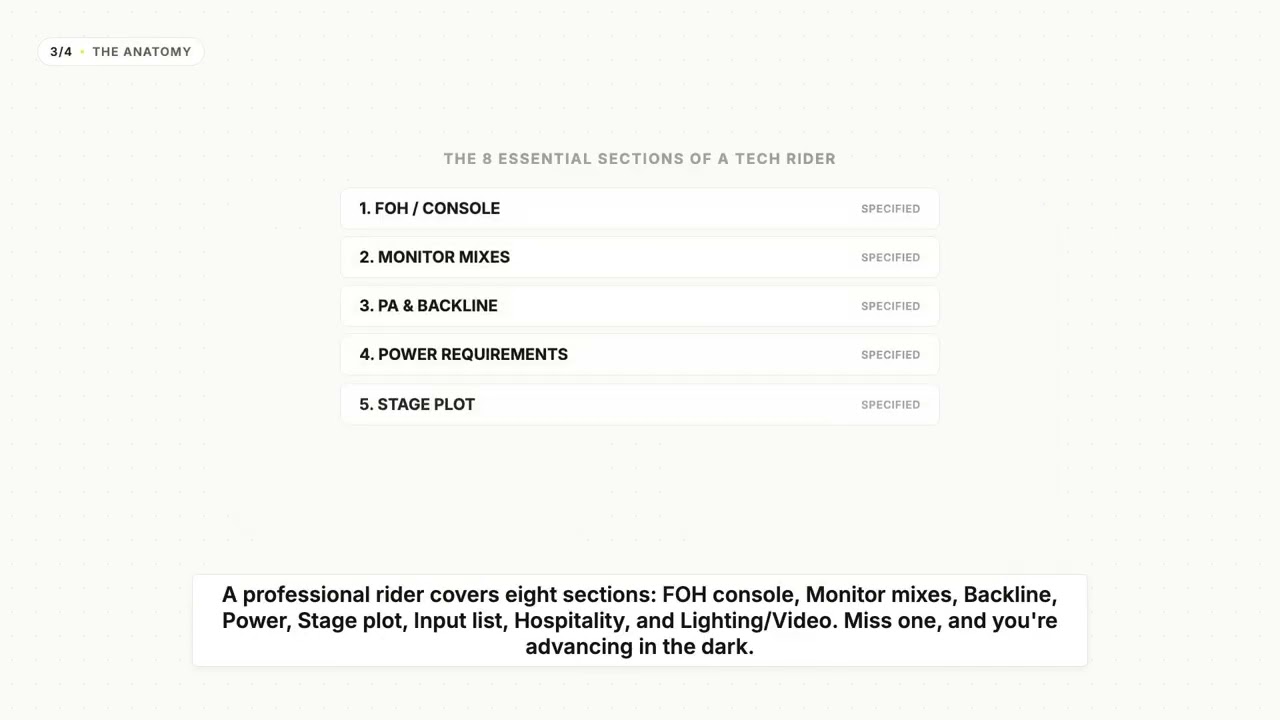
- What Is a Tech Rider? (Sections Explained) — FOH, monitors, PA & backline, power, hospitality, and the rest — every section of a rider, explained.
- Input List vs Patch Sheet: What's the Difference? — two documents that get conflated. Here's what each one is actually for.
- Stage Plot Symbols & Legend Explained — the icons you'll see on a stage plot, and the legend that keeps them consistent.
The terminology
- Stage Left vs Stage Right (and Stage Directions Explained) — why stage directions are from the performer's perspective, and the mnemonic that stops the confusion.
- What Is a Monitor Mix? Wedges, IEMs & Mixes Explained — why performers need their own mix on stage, wedges vs in-ears, and what "more me" means.
The workflow
- Why Your Tech Rider Should Be a Living Document — the case against re-emailing a frozen PDF every gig, and for one current, editable source of truth.
Where to go next
- 🛠️ Ready to build? The tutorials hub walks through making a plot, building an input list, configuring monitor mixes, and sharing a rider.
- ⚖️ Comparing tools? The Best Stage Plot & Tech Rider Software (2026) pillar compares eight tools across five fixed criteria.
- 📋 Want a head start? Grab a free stage plot template.
Further reading
- Understanding Stage Plot & Input List — NLFX Pro
- The technical rider: 6 tips and a template — IMG STAGELINE
- List of Apps and Software for Designing Stage Plots — SoundGirls.org
Last updated: 2026-07-07 · Reviewed by the Techrider.live team · Fundamentals tested against real festival and club productions.
Related guides
What Is a Stage Plot? (And How to Read One)
A stage plot is a top-down map of your band's stage setup. Learn what goes on it, how it differs from an input list and tech rider, and what makes one engineer-readable.
6 min readBasicsWhat Is a Tech Rider? (Sections Explained)
A tech rider is the full technical package a band sends a venue — console, monitors, PA, backline, power, stage plot, input list, hospitality. Learn every section.
7 min readBasicsStage Plot Symbols & Legend Explained
A visual glossary of stage plot symbols — mics, DI boxes, wedges, IEM packs, drums, amps, keys, power drops. Learn what each icon means and how to read any stage plot.
7 min read